
Online store and marketplace inventory without sync: a manual tracking routine
Track marketplace and online store stock with one master record, channel allocations and buffer stock, plus worked examples of orders, cancellations and returns, and a daily reconciliation routine.
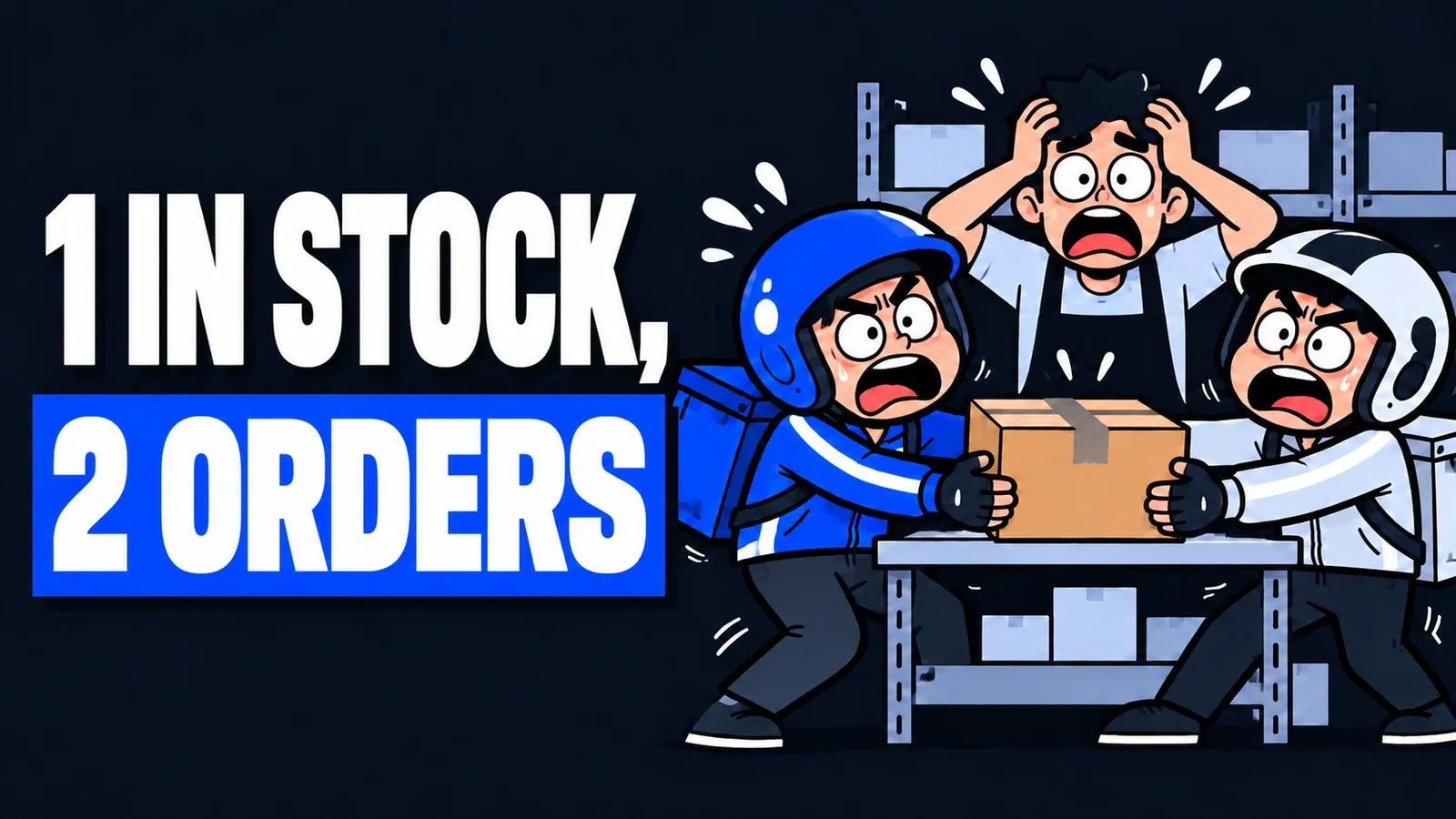
Table of Contents
Without automatic sync, the safest way to manage stock across two channels is to keep one master stock record and give each channel an allocation: work out your free stock, then divide it between the marketplace and your own store. If you have 40 free units, the marketplace could get 25 and your store 15. Do not show 40 units on both channels, because two buyers can buy the same item before you can update the numbers.
This method is manual, and discrepancies can still appear. The aim is to limit the risk and make every discrepancy traceable. Your own store and the marketplace do not update each other, so you still set the number on each channel yourself.
What mismatched stock costs you on a marketplace
An order cancelled for lack of stock costs more than one sale, because the marketplace records it as a seller fault.
- Shopee, a marketplace widely used in Indonesia, counts cancellations caused by running out of stock in its Tingkat Pesanan Tidak Terselesaikan (unfulfilled order rate), calculated over the last 7 days. The example on Shopee's page: 100 unfulfilled orders out of 1,000 gives a rate of 10 percent and 2 penalty points (page dated 1 December 2025).
- Tokopedia, an Indonesian marketplace, and TikTok Shop count out-of-stock cancellations in the Seller-Fault Cancellation Rate, also over 7 days. The target is below 2.5 percent. At 10 percent or above, daily order volume is limited, and products can be deactivated at certain thresholds (page dated 16 July 2026).
These rules can change, so check the figures in your seller help centre. When in doubt, lower the number you offer on the marketplace. A delayed sale costs less than a cancellation that counts against your shop's health rating.
Four numbers in the master stock record
Choose one master record, usually a spreadsheet, and decide who may change it. Each variant has its own row with an SKU, the code that tells variants apart. Agree first on what each column means.
| Column | What it means |
|---|---|
| Physical | Every item actually in the warehouse, including items already ordered but not yet shipped |
| Committed | Items reserved for orders |
| On hold | Damaged items or items still being inspected, such as returns |
| Free | Physical minus committed and on hold. Only this number may be offered |
This split matches the terms in Shopify's inventory documentation, which distinguishes on hand, available, committed, unavailable and incoming stock. Goods still in transit do not count until they are received. Also add columns for the marketplace allocation, the store allocation and the time of the last update. If you have more than one warehouse, use one row per location.
How to split free stock between two channels
The example in this article is made up: one T-shirt variant with 50 physical units, 8 units reserved for orders and 2 damaged units. Free stock is 50 - 8 - 2 = 40 units.

No ratio suits every shop. A reasonable guide is sales over the last 30 days. If the marketplace sold 50 units and your store 30, the ratio is 5 to 3. Of the 40 units, the marketplace gets 40 × 5/8 = 25 and the store 40 × 3/8 = 15. If your own store has just opened and has no sales history, start with a small allocation and raise it once orders come in.
Two mistakes are easy to make here. The first is subtracting committed stock twice: those 8 units were already taken out when you worked out free stock, so do not cut them again from the allocations of 25 and 15. The second is treating allocations as extra goods. An allocation is only a limit on what you offer from the same stock, so the allocations together must never exceed free stock.
Buffer stock to cover the gap between updates
Until you update the numbers, the other channel can still take orders. Work out how large that risk is. If the marketplace sells an average of 5 units a day and you update twice a day, a 12-hour gap could use up about 2 to 3 units. Hold back 3 units from what you offer, so you split 37 units, or lower the allocations when stock runs low. A buffer reduces the risk of overselling, though it cannot remove it.
Example: recording orders, cancellations and returns
Decide when an order starts to count as committed, for example when its status changes to paid, and use the same rule on both channels. The table below continues the example above. The Marketplace and Store columns hold each channel's allocation.
| Event | Physical | Committed | On hold | Free | Marketplace | Store |
|---|---|---|---|---|---|---|
| Opening balance | 50 | 8 | 2 | 40 | 25 | 15 |
| Store order for 3 units | 50 | 11 | 2 | 37 | 25 | 12 |
| Those 3 units shipped | 47 | 8 | 2 | 37 | 25 | 12 |
| Marketplace order for 2 units cancelled | 47 | 6 | 2 | 39 | 27 | 12 |
| 1 returned unit arrives | 48 | 6 | 3 | 39 | 27 | 12 |
| Return passes inspection | 48 | 6 | 2 | 40 | 27 | 13 |
When the store order for 3 units comes in, the goods are still in the warehouse, so physical stock stays at 50. Committed rises to 11, free stock falls to 37 and the store allocation drops to 12. When the goods ship, physical stock falls to 47 and committed goes back to 8. Free stock stays at 47 - 8 - 2 = 37, because those units left free stock when they were ordered.
Cancelling the 2-unit marketplace order does not change physical stock, because the goods have not shipped. Committed falls to 6 and free stock rises to 39. Those two units can go back to either channel, and in this example they go back to the marketplace. That choice is yours, since the formula only tells you how many units you can offer.
Keep returns separate from stock that is ready to sell. When the returned item arrives, physical stock rises to 48, but the unit goes into the on-hold column, so free stock stays at 39. Once it has been inspected and is fit to sell, on hold falls to 2 and free stock becomes 40. Do not add stock when a buyer requests a return; add it only once the item has been received and inspected.
Daily update and reconciliation routine
In a small team, one person can handle every step, as long as the steps stay in order and each one leaves a record.

- Record orders, cancellations and returns from each channel, with the order number, SKU, quantity and time.
- Check that the same event has not already been recorded, so one order does not reduce the balance twice.
- Update the master record, work out free stock, then set the new allocations.
- Enter the new allocations in each channel and note the time.
- Reconcile the master record, the numbers on each channel and a physical count at regular intervals.
To update many variants at once, use the marketplace's bulk tools. On Shopee, the Seller Centre guide (7 February 2023) gives the path Produk Saya (My Products), Edit Secara Massal (Mass Edit), Mass Update, Informasi Penjualan (Sales Information), after which you download a file with columns for product name, variation name and stock. On Tokopedia and TikTok Shop, the Batch feature (Fitur Batch) provides a sales information template that includes stock.
When the numbers do not match
Do not change a balance without a note. Trace goods received, shipments, cancellations, returns, damage and double entries, then write down the reason for the correction and who checked it. Until the cause is clear, lower that SKU's quantity or pause its listing on the channel with the most risk, usually the marketplace.
When a single channel is safer
The manual routine suits a catalogue that still has only a few active variants and can be checked every day. In two situations, selling on the marketplace alone makes more sense.
- You have no repeat buyers yet. A marketplace brings new buyers, while your own store serves buyers who already know you. Without those buyers, the extra stock work does not pay for itself.
- Stock is very thin, or items are one of a kind. An item with one unit left cannot be split, and if it is listed in two places, one of the orders will have to be cancelled. Such items belong on one channel only.
If past buyers are already asking how to order from you directly, add your own store with a small allocation and keep the marketplace running. Toko Aksara, our online store package, records stock per variant for its own store and does not connect to marketplace shops, so you still do the allocation split described above.
If reconciliation starts taking up time every day, or overselling still happens with tight allocations, the manual routine has reached its limit. The next options are a multichannel inventory tool or a custom integration. Check a tool's integration support before you buy it. With us, connecting the store to systems you already run is a separate development project and is not part of the online store package.
Author
Dzaki Fauzaan