

Business website maintenance checklist: backups, updates and testing
A ready-to-use website maintenance schedule: backup contents, restore tests, data loss limits, the order of updates, functional testing and who is responsible for what.
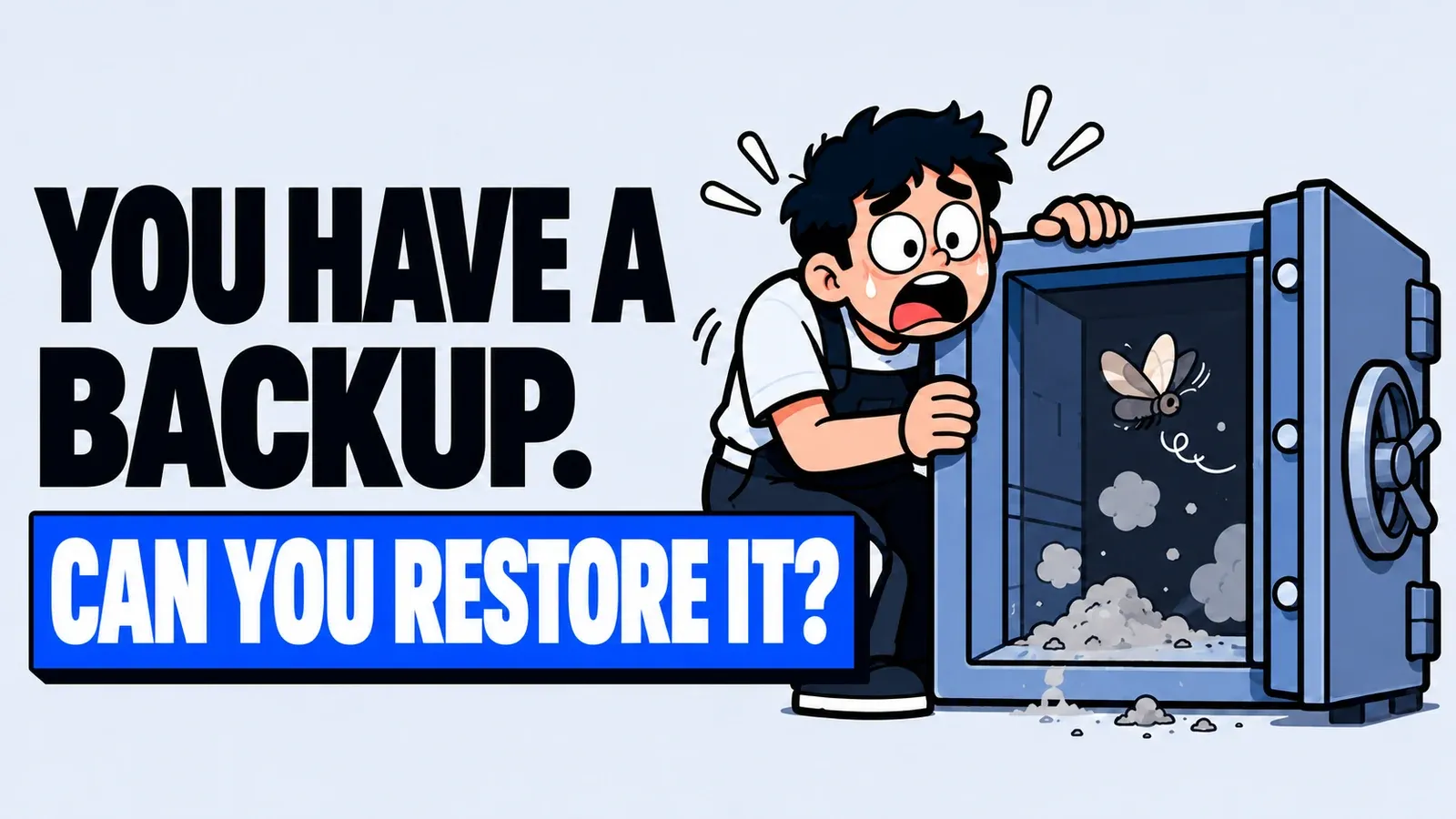
Table of Contents
Business website maintenance comes down to four routine jobs: backups you have proven you can restore, system updates that are tested afterwards, checks of the contact channels from the customer's side, and clear rules on who has access. The schedule below is ready to use as a starting point; adjust it to how often your website changes.
A website that still loads is not necessarily healthy. A form can fail to send messages, the WhatsApp button can lead to an old number, and the backup copies may turn out not to include the latest data. So record the result of every check and who is responsible for it.
A check schedule as a starting point
This table is an example work schedule, not a rule for every website. A simple company website that rarely changes can start with weekly checks, while a website that takes orders needs attention more often.
| When | What to check | Evidence |
|---|---|---|
| Every working day | Home page, contact channels and the status of backup jobs | Results and failure messages |
| Every week | Available updates, forms and important pages | Updates and test results |
| Every month | Admin accounts, business information and a scheduled restore test | Access list and test report |
| Before a major update | A fresh backup, a test copy and a rollback plan | Previous version and rollback steps |
What to know about the contents of your backups
Ask whoever manages the website to explain what is stored: content, database, images, code and the configuration needed to run the site. For WordPress, the official backup documentation names two parts that are both needed for a full restore: the database, which holds posts and data, and the files, which include themes, plugins and uploads.
The same documentation sets a benchmark for frequency: weekly for a small website, daily for a very active one, and always before an update. Keep at least three to five recent backups in different places and on different media, for example the hosting server, cloud storage and a local computer. It also recommends adding an occasional manual backup to the scheduled ones.
Websites built on other platforms have their own architecture. An export of articles is not the same as a copy of the whole system, and image storage, payment integrations and email services may have separate settings. Four points apply whatever the technology:
- Each backup has a creation time and a success status.
- The storage location and who may access it are recorded.
- There is a copy that does not depend entirely on the website's server.
- The data needed for recovery is included.
Example: calculating storage space
This example is hypothetical and assumes full backups of a fixed size. Say you keep the last 7 daily backups and 4 older weekly backups. If each backup is 2 GB, each location needs (7 + 4) x 2 GB = 22 GB. Copying the same set to 2 locations means 44 GB.
The calculation ignores compression, data growth and the extra backups taken before updates. Providers that use incremental backups calculate space differently, so ask how they do it.
Acceptable data loss and recovery time
These two decisions belong to the business owner, and both determine the backup schedule. The technical terms are RPO and RTO. NIST, the US standards institute, defines RPO (recovery point objective) as the point in time to which data must be recoverable after an outage, and RTO (recovery time objective) as how long the system may remain in the recovery phase. In business terms: how much recent data you could accept losing, and how long the website may be down.
A hypothetical example: the last successful backup ran at 02:00 and the outage happened at 15:30. The gap is 13 hours 30 minutes. If the restore uses only that backup, changes in that window have to be traced from another reliable source, such as order records or a related export.

The gap does not prove that any data was lost, nor does it show how long the restore will take. If a window of 13 hours 30 minutes is not acceptable for your business, backups need to run more often.
Test the restore in a separate environment
Having a backup file does not prove the website can be brought back up. Ask for a restore demonstration on a test copy that handles no real transactions, then record how long it took, which components did not come back and what extra steps were needed. For WordPress, the documentation advises restoring the files first, then the database.
Turn off outgoing email during the test so customers do not receive test messages. Check the home page, one article, one product if there are any, images, the admin login and the forms, then record each failed component separately. In a hypothetical example, the catalogue was restored but the product images did not appear, so the image storage has to be added to the recovery plan.
Below is a practice sheet with hypothetical figures. They are not a service estimate or a recovery time limit for your website.
| Stage | Duration | What to record |
|---|---|---|
| Restore the files | 18 minutes | The backup used and the start time |
| Import the database | 7 minutes | The date of the data in the backup |
| Test pages and forms | 15 minutes | Components that passed and failed |
| Total | 40 minutes | When the system was back online |
Update the system, then check it
The WordPress hardening guide stresses running the latest version, keeping plugins updated, removing unused plugins and using two-step verification for logins. The same principle applies to other systems: frameworks, libraries and servers also receive security updates.
The order of work: make a fresh backup, try the update on a test copy and check compatibility, apply it to the live website, test the functions customers use, then record which components were updated and the results. On a small website that has no test copy yet, the second step can be combined with testing straight after the backup is made.

If an update is postponed because of a conflict, write down the reason and the steps to resolve it. An update notification that nobody is responsible for is easily forgotten.
Test the site as a customer would
Use a phone and a computer to go through the flows visitors actually use.
- Open a service page from the menu, then read the contact information and the scope of work.
- Submit a clearly labelled test form, then check whether the message arrives.
- Tap the WhatsApp button and make sure the number and the pre-filled message are correct.
- Check images, downloads, search and the links to important pages.
- For an online shop, test the order flow in the test mode provided by whoever manages the site.
Also check the landing pages of active campaigns, because the home page form may not go to the same recipient as forms on other pages. Keep a short list of pages to test, especially after the contact number or the person who answers enquiries changes. If your website has not launched yet, you can start this list from the pre-launch checklist.
Who is responsible and what the report covers
| Task | What to decide |
|---|---|
| Monitoring outages | Who checks, and through which channel reports come in |
| Fixing | Who does the work and who tests it again |
| Approving content changes | Who has the authority to approve |
| Managing access | Who adds and removes accounts |
Store access details securely, remove access for administrators who are no longer involved, and avoid a single shared account if the system supports separate ones.
A maintenance report should cover the work completed, open findings and the decisions waiting on you. Report response time and resolution time separately. A fix that depends on another provider should be described as a dependency, without promising a date that cannot yet be confirmed.
To discuss the scope of maintenance for your website, see our website maintenance service. Bring a list of the functions that matter, the technology your website runs on and the recovery limits you have set, so the results of the agreed work can be checked. If you are planning a new website, add this test list to the acceptance criteria for the handover.
Author
Dzaki Fauzaan